

Practical: Using Pinterest to help promote your Substack
Here I'm sharing how I scatter Pinterest seeds with every post I publish

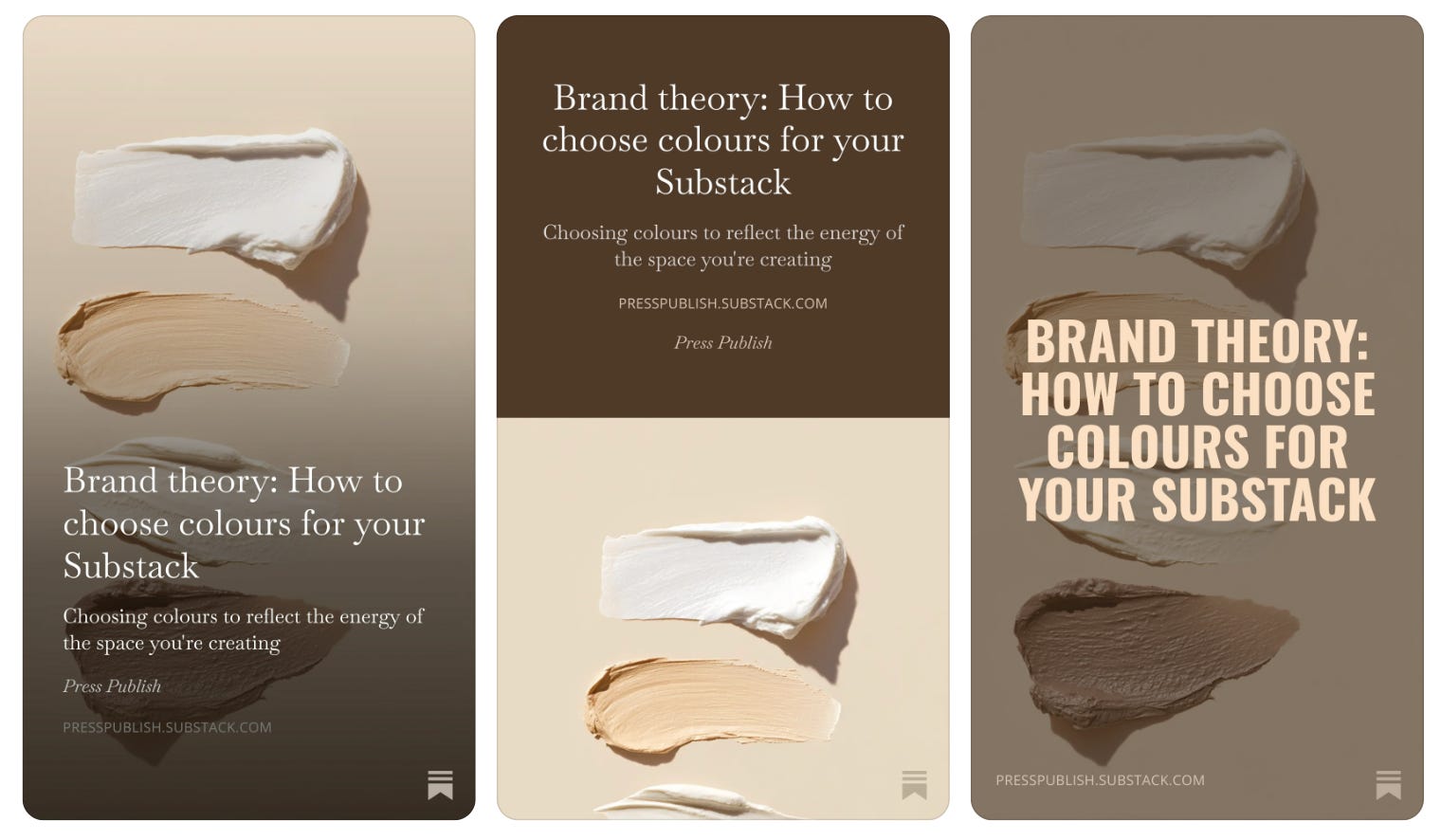
What we’re doing here Scattering seeds on Pinterest. Learning how to create Pinterest pins for every post, linking back to your Substack, and building a slow-burn discovery engine that brings people into your world over time.
✓ Already pinning consistently and getting traffic from Pinterest? Keep going.
✗ Not using Pinterest yet or doing it sporadically? Watch this screen share, it’s five minutes well spent.
Just landed here and ready to shape your Substack world? I’m building a second Substack from scratch, and documenting the entire process just for you. START HERE. Subscribe and let’s do this together, step-by-step.
The thing to understand about Pinterest is that it isn’t social media.
It’s a search engine.
A slow-burn, visual search engine that works quietly in the background, sending people to your world months or even years after you’ve posted something.
And every single time you publish on Substack, you have the opportunity to scatter a seed (or three) on Pinterest.
A small pin. A link back to your post. Keywords embedded in the title and description. And then you release attachment to outcomes, and let it work.
Why this matters
Building an ecosystem means you’re not relying on one platform to bring people in. You’re leaving little breadcrumbs everywhere - not in a spammy way, but genuinely, intentionally.
Pinterest is one of the most powerful places to do this because:
It’s a search engine. People are actively searching for things. If your keywords are right, they’ll find you.
It’s slow but steady. A pin you create today might bring traffic six months from now. Or a year from now. It’s patient work, but it compounds.
It’s free. You’re using a tool that costs nothing and asking it to do heavy lifting for your discoverability.
It’s visual. In a world of text-heavy content, a beautiful pin stands out and gets clicked.
